A homeowner flips on the kitchen light during a power outage. The neighborhood is dark, but their home still has electricity. The freezer hums, the coffee maker works, and life goes on.
The secret? A well-planned solar system.
Many people think solar installation is complicated. In reality, the system works like a simple chain. Sunlight hits panels, power flows through equipment, and electricity reaches your home.
Understanding this process also connects to something less obvious: operational finance. Planning the cost, efficiency, and long-term value of a solar system helps homeowners make smarter financial decisions before installation.
Key Takeaways
- Solar systems rely on five main components working together.
- Panels create electricity, while inverters make it usable for your home.
- Batteries store energy for later use during outages or at night.
- Smart planning and operational finance thinking helps ensure the system delivers long-term value.
What Is Operational Finance in Solar Planning?
Operational finance refers to the financial planning that ensures systems operate efficiently while managing costs, equipment choices, and long-term energy savings.
In solar installations, it influences decisions like:
- How many panels you need
- Whether batteries are worth adding
- Which inverter type works best
- How the system will scale in the future
Good operational finance thinking turns solar from a simple purchase into a long-term energy investment.
The Five Pieces Every Solar System Needs
1. Solar Panels
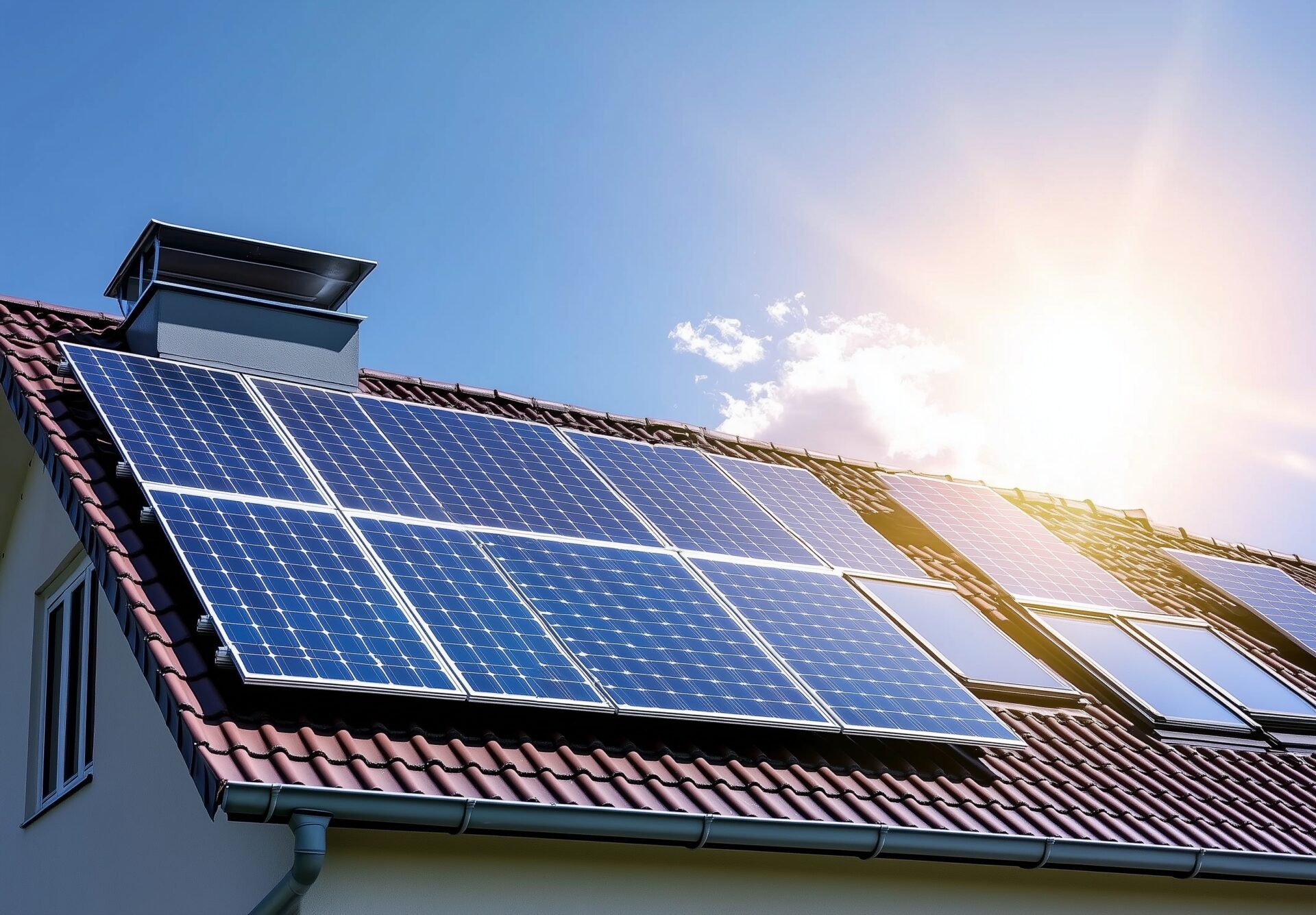
Solar panels capture sunlight and convert it into electricity.
Panels vary in wattage and efficiency. For example, one panel might generate around 395 watts while another of similar size may produce much less. Higher output panels usually cost more but require less roof space.
There are also bifacial panels that absorb sunlight from both sides, increasing potential energy production.
2. Inverters
Solar panels produce DC electricity, but homes use AC electricity.
An inverter converts that energy so appliances can use it.
Two common types exist:
- Micro inverters installed near individual panels
- String inverters that connect many panels to one central unit
Micro inverters often handle shading better because each panel works independently.
3. Switches and Safety Systems
Safety components create break points in the system and protect equipment from surges.
Common devices include:
- PV combiner boxes
- Circuit breakers
- Disconnect switches
- Fuses
These allow technicians to safely service the system and protect wiring during electrical fluctuations.
4. Batteries
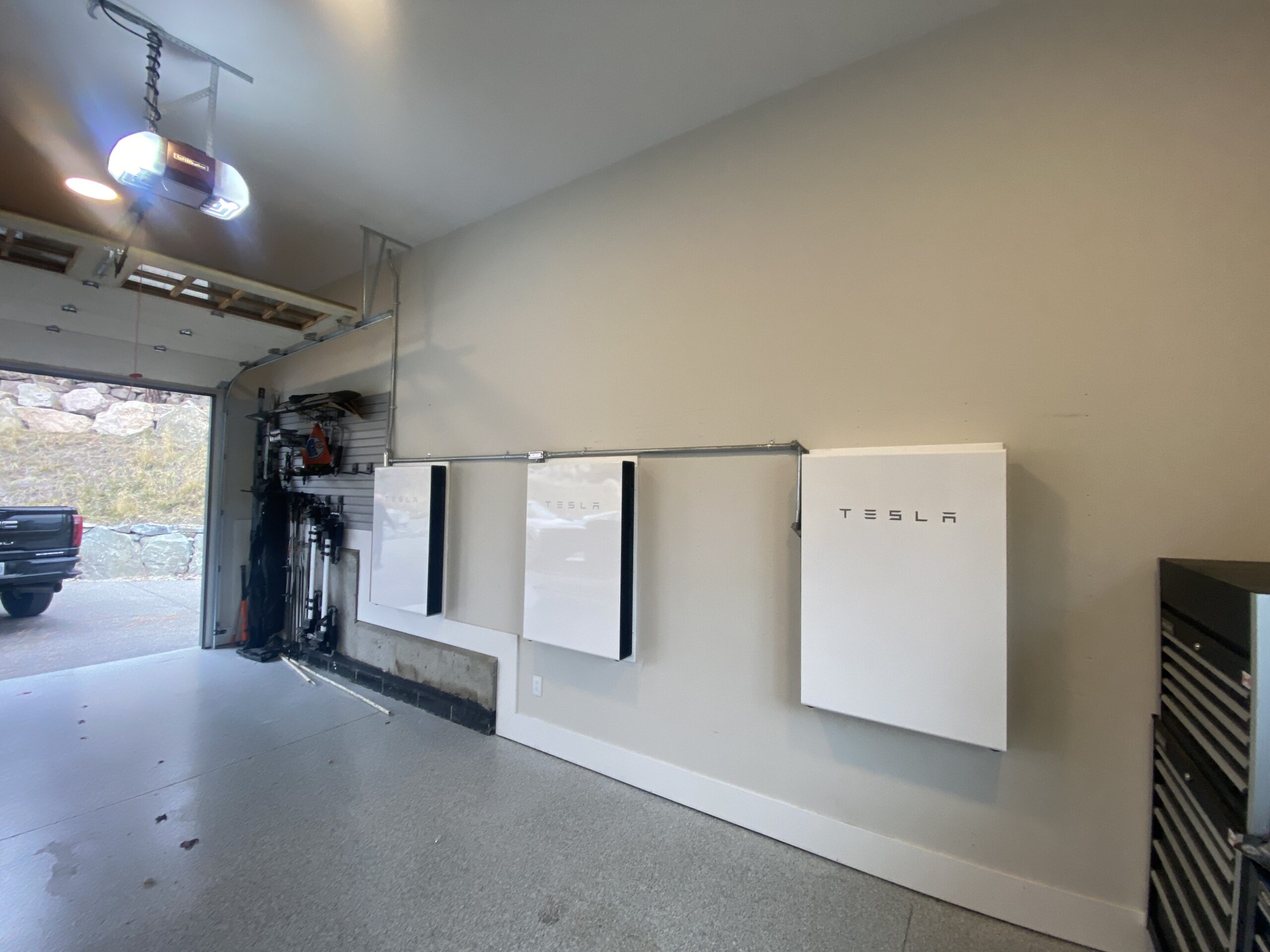
Batteries store excess electricity for later use.
Grid-connected homes may not require batteries, but off-grid systems depend on them completely.
During outages, batteries can keep essential appliances running such as:
- Freezers
- Lights
- Internet equipment
5. Wiring and Connectors
Wiring connects every part of the solar system.
Outdoor cables must be weather-rated, and solar panels typically use MC4 connectors, which provide secure, waterproof connections.
Battery wiring often uses thicker cables because higher current flows through them.
A Simple Way to Understand Solar Systems
Imagine a rainwater system:
- The roof opening collecting rain = solar panels
- The pump moving water = inverter
- The tank storing water = battery
If your tank is too small, you run out of water.
If the opening is too small, you collect less rain.
Solar systems work the same way.
Solar Planning Guide
| Solar Component | When It Helps | Simple Cue | Common Mistake |
|---|---|---|---|
| High-efficiency panels | Limited roof space | Small roof areas | Buying cheapest panels |
| Micro inverters | Partial shading | Trees nearby | Ignoring maintenance access |
| Battery storage | Frequent outages | Want backup power | Oversizing battery bank |
| Safety switches | System servicing | Code compliance | Installing too few |
| Quality wiring | Outdoor systems | Weather exposure | Using indoor cable outdoors |
One Smart Framework Before Installing Solar
Use this 3-step planning method.
Step 1: Estimate Energy Needs
Look at electricity bills to see average monthly consumption.
Step 2: Match Equipment Capacity
Choose panel wattage, inverter size, and battery capacity accordingly.
Step 3: Evaluate Operational Finance Impact
Calculate installation cost versus long-term energy savings.
This step ensures the system remains financially practical over time.
Real-World Scenario
Case Study: A Suburban Home Solar Upgrade
Overview
A family wanted to reduce electricity bills and maintain power during outages.
Strategy
They installed rooftop solar panels, a string inverter, and a battery backup system.
Outcome
Daytime solar energy powered most household appliances, while stored energy covered nighttime and short outages.
Insight
Planning the installation through operational finance analysis helped them balance equipment cost and long-term savings.
Conclusion
Solar systems may seem complex at first, but they follow a simple chain of energy flow. Panels collect sunlight, inverters convert power, batteries store energy, and wiring connects everything safely.
What truly determines success is thoughtful planning. When homeowners consider operational finance alongside equipment choices, solar becomes more than a technology upgrade. It becomes a long-term energy strategy.